Point to Blade wrt Rotate/Flip
hi
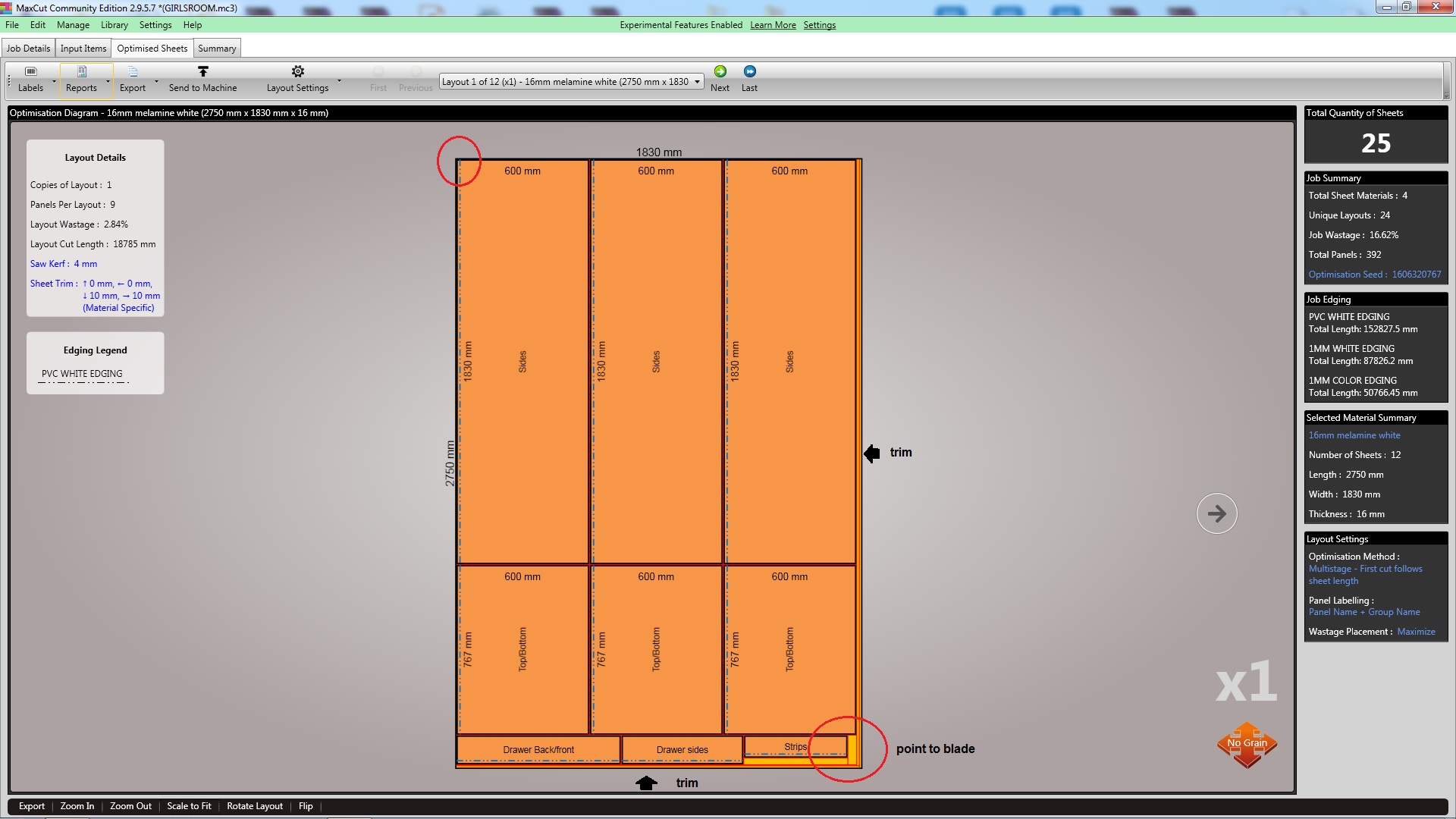
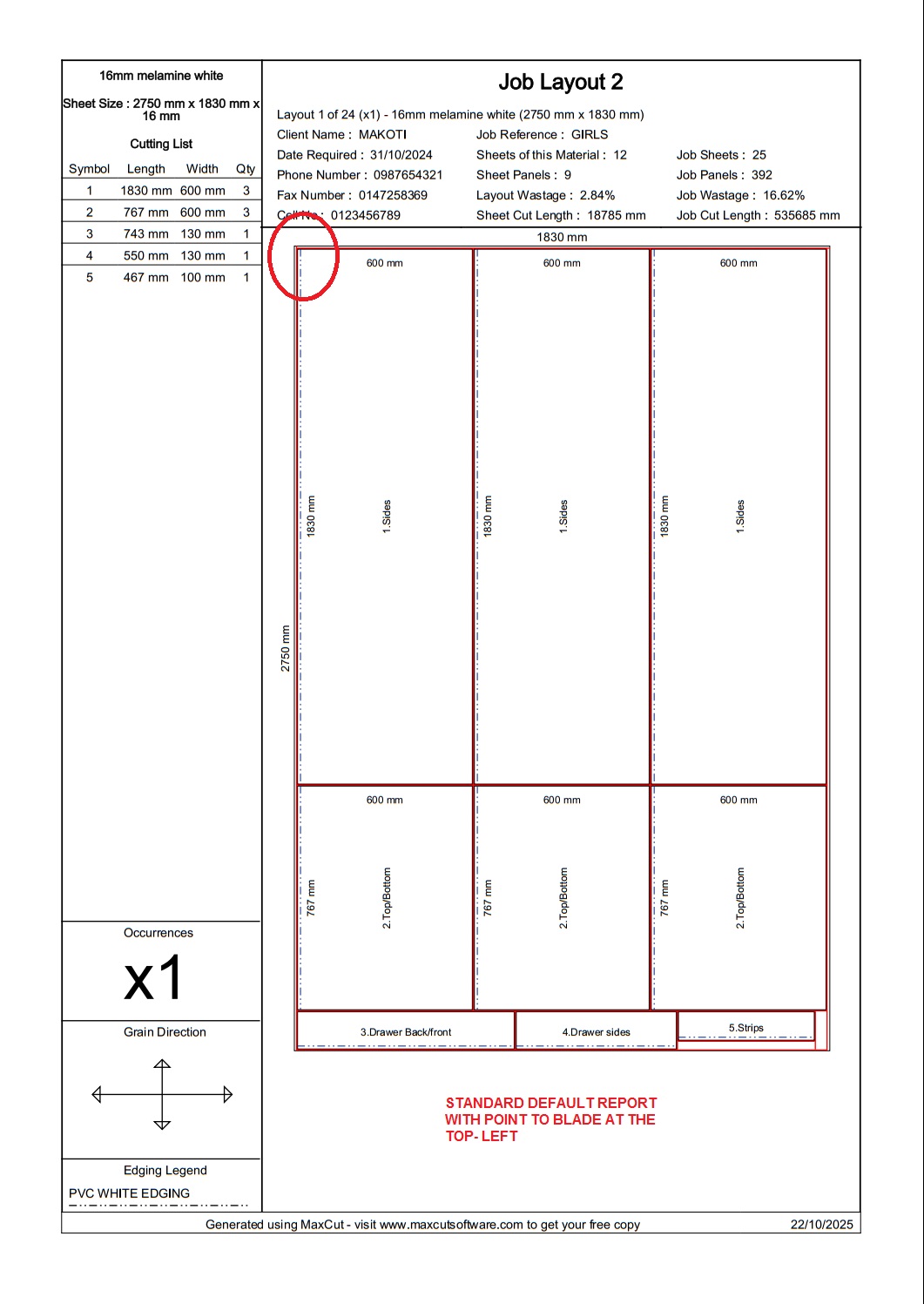
I am finding that currently your default reference point for optimised panels on the optimised layouts is the top left of the sheet(portrait). ie all panel are snapped/aligned to the left and to the top of the sheet. offcuts and scraps are sent to the opposite edges of the sheets.
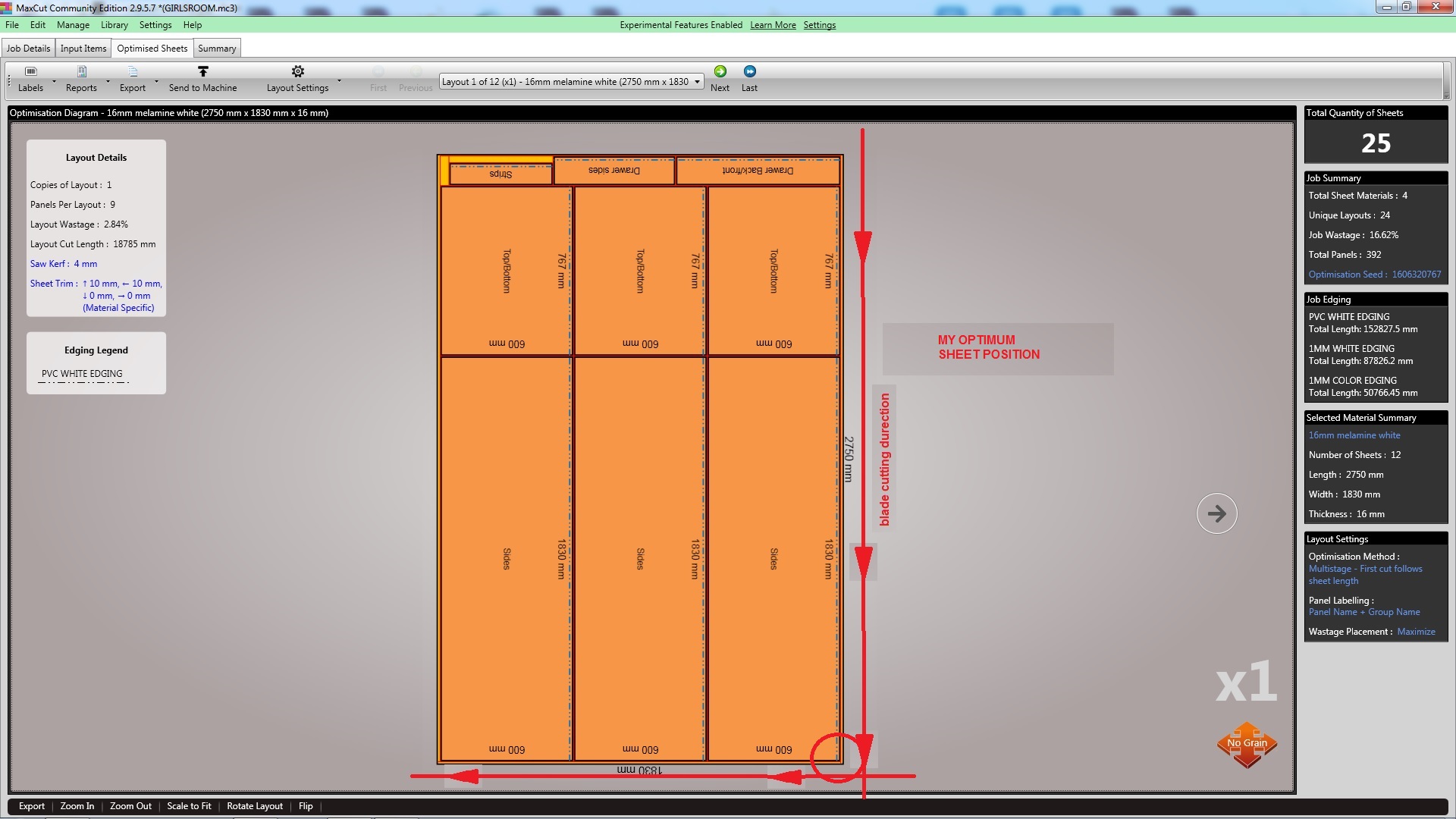
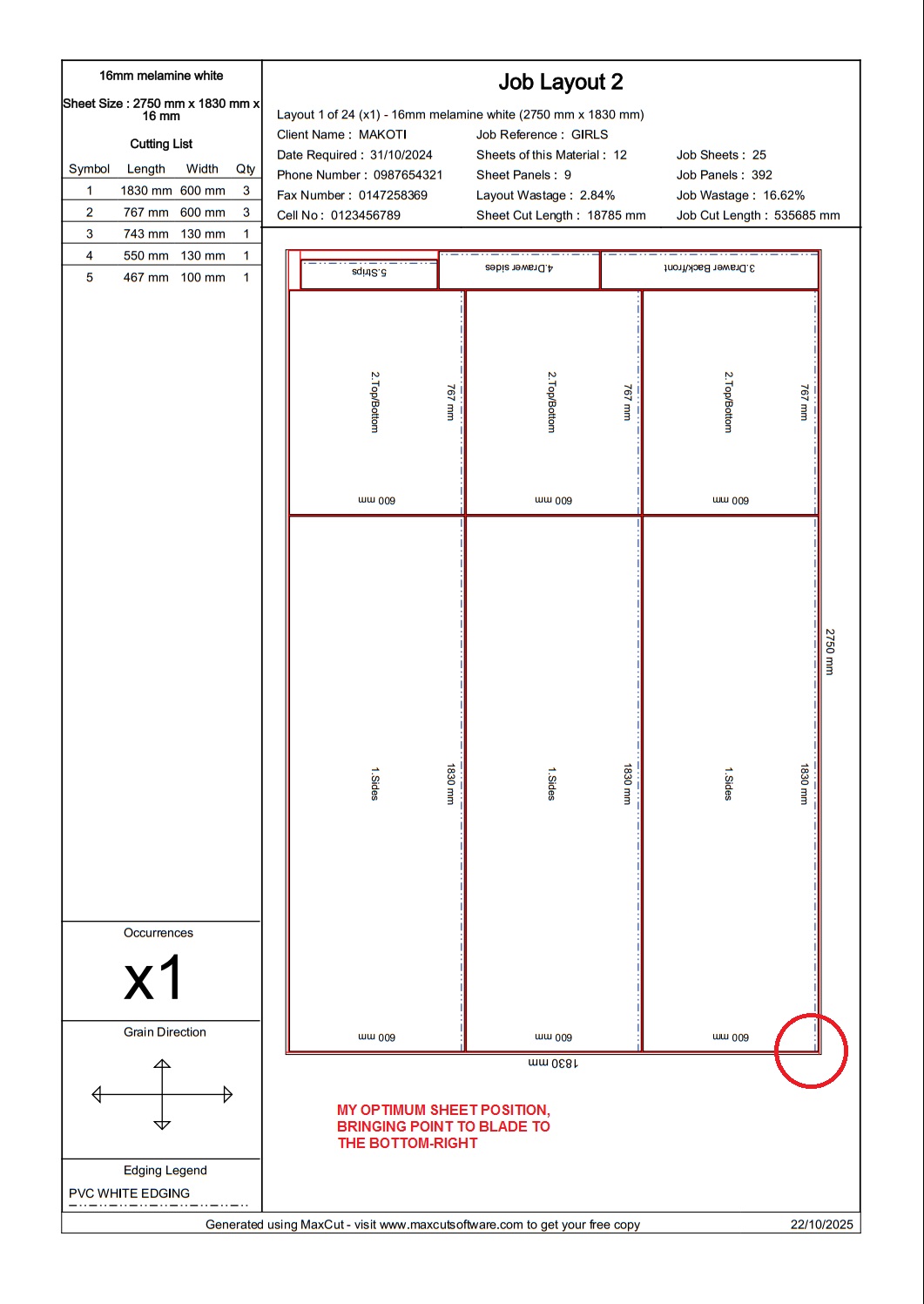
How can i move this point(the top-left) to be at the bottom-right?
Using your rotate button on the orange optimased maps only turns the layout 90' clockwise and then back. we dont get a full 360' rotatation.
also the Flip button only does a vertical flip, ie top to bottom flip. we dont have a horizontal, left to right flip.
currently with trim sheets set to right and bottom, i am getting offcuts between optimised panels the a trimmed edge! ideally those offcuts and wastage pieces should goto the untrimmed edges
Also the orientation of the displayed orange layout is not carried over to the printed report layout (rotation and flips are lost).